
WhatsApp Account Connection Guide for WapFlow
Connecting your account is the first and most important step to using WapFlow’s powerful features.
Step-by-Step Connection Process
- Add Device: Click on “Device Management” from the left menu and select “Add New”.
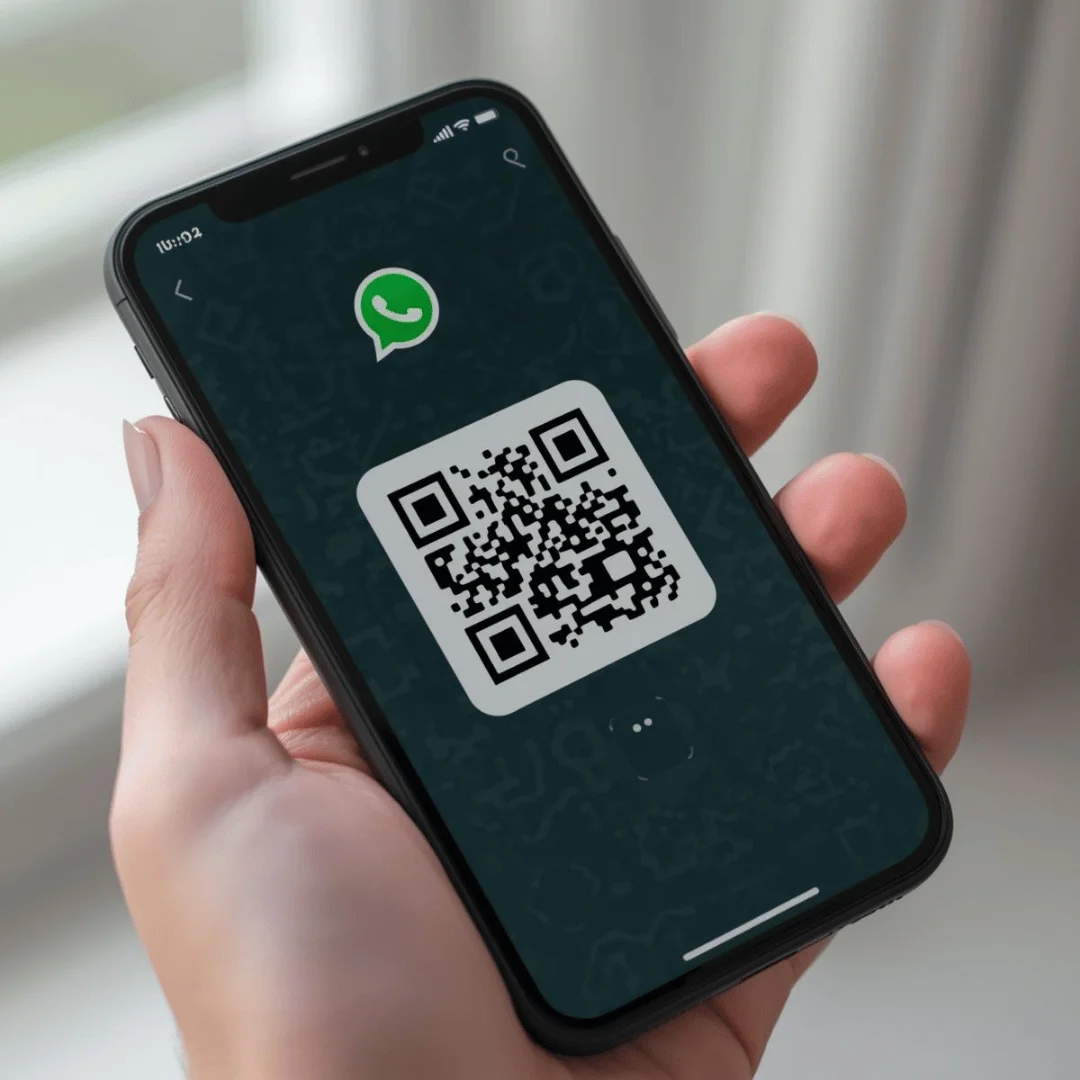
- QR Generation: The system will generate a QR code compatible with the WhatsApp Web protocol.
- Scan from Phone: Go to WhatsApp > Linked Devices > Link a Device on your phone.
- Confirm: Scan the code on the screen when the camera opens.